Quick answer: Yes — Super Bear Adventure iOS is available on iPhone and iPad. The official game is free on the App Store, published by Earthkwak Games, and it includes the same levels, multiplayer, and updates as the Android version. What does not exist is a working “iOS MOD APK” — and once you understand why, you will never fall for a fake download page again.
That sentence above is the most useful thing on this page. Everything below it is the evidence.
On this page
- Why Most “iOS MOD” Pages Are Misleading
- Super Bear Adventure iOS: Verified App Details
- How to Install Super Bear Adventure on iPhone or iPad
- Will It Run on Your Device?
- iOS vs Android: What’s Actually Different?
- The Honest Truth About MODs on iOS
- How to Spot a Fake “iOS MOD” Site in 30 Seconds
- Frequently Asked Questions
- Sources
Why Most “iOS MOD” Pages Are Misleading
Search “Super Bear Adventure iOS MOD” and you will find pages with a big green “Download for iOS” button. Click it and notice something: the button just sends you to the official App Store listing. There is no MOD file. There never was one.
Here is the pattern worth recognizing. Those pages borrow the trust of the word “download,” show you a button, and deliver the same free app Apple gives everyone. Some go further and offer an actual file. That file is either fake, outdated, or something you should not install.
The technical reason is simple, and it is the key to this whole topic:
An APK is an Android file. It cannot run on an iPhone.
APK stands for Android Package. It is built for Android’s operating system, its app framework, and its way of handling code. An iPhone speaks a different language entirely — iOS apps come as IPA files, signed and structured for Apple’s system. Handing an APK to an iPhone is like handing a PlayStation disc to an Xbox. The shape is familiar, the contents are unreadable.
So the phrase “iOS MOD APK” is a contradiction. If a site uses that phrase, treat its claims with extra caution — the author may not understand the technology, or may be counting on readers not to.
Super Bear Adventure iOS: Verified App Details
Pulled from the live App Store listing (id1531842415), checked October 2026:
| Detail | Verified info |
|---|---|
| App name | Super Bear Adventure |
| Developer | Earthkwak Games |
| Price | Free (with in-app purchases) |
| Age rating | 4+ |
| Size | Roughly 300–460 MB (varies by device and region) |
| iPhone | Requires iOS 15.0 or later |
| iPad | Requires iPadOS 15.0 or later |
| Mac | Runs on Macs with Apple silicon (M1 or later) |
| Apple Vision | visionOS 1.0 or later |
| Game Center | Supported (leaderboards, achievements) |
| Rating | Around 4.2/5 across tens of thousands of ratings (varies by region) |
| In-app purchases | Yes — Remove Ads (~$1.99), SBA Gold (~$4.99), cosmetic bundles; prices vary by region |
A note on the version number: the latest general release is v13.0.5 (September 17, 2026). The developer also shipped v13.0.6 as an iOS-only hotfix on September 23, 2026 — a startup-crash fix with an engine upgrade — so iOS players get the newest build first. If your App Store shows 13.0.5 or 13.0.6, you are current.
How to Install Super Bear Adventure on iPhone or iPad
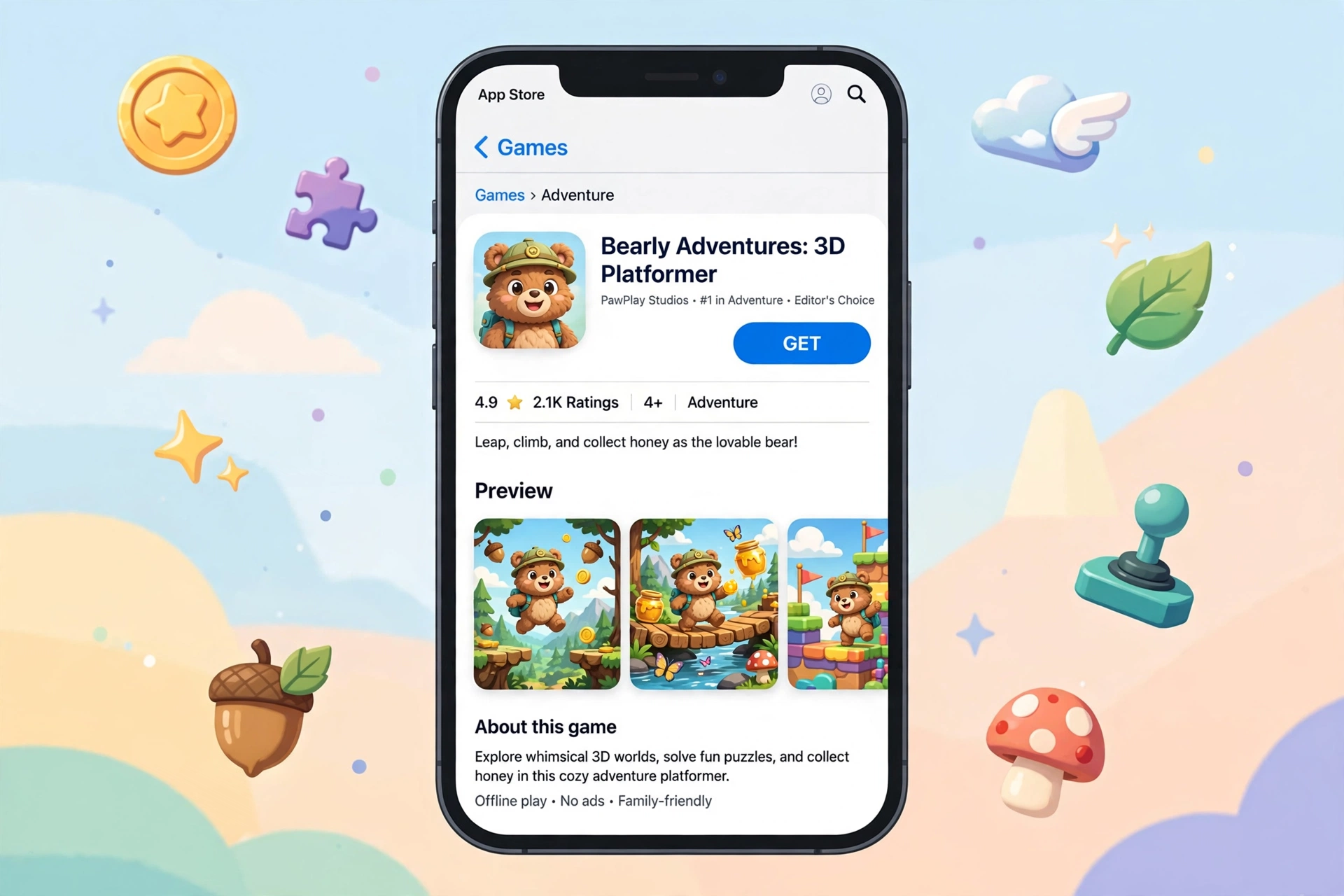
No third-party site needed. Getting Super Bear Adventure iOS running the safe way takes about two minutes:
- Open the App Store on your iPhone or iPad.
- Search “Super Bear Adventure” and look for the listing by Earthkwak Games (this is the part that matters — copycat apps exist).
- Tap Get, confirm with Face ID, Touch ID, or your Apple ID password.
- Wait for the download (it’s a few hundred MB — use Wi-Fi), then open the game.
That is the entire process. Any guide that makes iOS installation sound complicated — special profiles, configuration files, “iOS injectors” — is describing something the official game does not require. Complexity here is a warning sign, not a feature.
Will It Run on Your Device?
| Device | Status |
|---|---|
| iPhone (iOS 15+) | Fully supported |
| iPhone (iOS 12.4–14) | Older iOS builds ran on these; the current listing asks for iOS 15. Update iOS if you can |
| iPad (iPadOS 15+) | Fully supported |
| Mac with M1/M2/M3/M4 chip | Runs natively — download the iPhone app from the Mac App Store |
| Intel Mac | Not supported natively; an Android emulator is the practical workaround |
| Apple Vision Pro | Listed as supported |
The Mac row surprises people. Because Apple lets iPhone apps run on Apple-silicon Macs, the App Store listing officially includes Mac support — no emulator, no tricks. If you own an M1 or newer Mac, you can play the real game on your desktop today, free, straight from the Mac App Store.
iOS vs Android: What’s Actually Different?
Same game, same kingdom, same bears. The differences are in delivery, not content:
- Updates can arrive later on iOS. The developer ships iOS builds separately — one patch (11.1.2) was Android-only, and the 13.0 update notes said “iOS and Nintendo Switch coming soon” after Android. If your Android friend gets an update first, that is normal, not a bug.
- iOS gets its own hotfixes. Version 13.0.6 shipped only for iOS (a startup-crash fix with an engine upgrade). Platform-specific patches like this are routine.
- Multiplayer is fully cross-platform. An iPhone player can join the same party as Android and Nintendo Switch players — up to 4 players via the network machine in Bear Village. Your platform does not lock you out of playing with friends.
- Purchases stay on their platform. Anything you buy on iOS (SBA Gold, bundles, ad removal) lives in your Apple ID, not in a shared account. There is no cross-platform purchase sync — unknown whether any account-linking feature exists; treat purchases as platform-locked.
- Controls are touch-first on both. The game was designed for touchscreens, so the iPhone experience is the native one, not a port of a port.
The Honest Truth About MODs on iOS
Let’s separate what is real from what is rumor.
Real: iPhones can install apps from outside the App Store through sideloading tools like AltStore, which installs IPA files (the iOS format) without jailbreaking. This is a genuine, documented process used by many apps.
Also real: as of 2026, there is no widely available modded IPA of Super Bear Adventure. The Android MOD scene is large; the iOS one for this game effectively does not exist. Any site offering you a “Super Bear Adventure iOS MOD” download today is offering something unverifiable at best.
The honest risks, if you go down this road for any game:
- Sideloaded apps signed with a free Apple ID expire every 7 days and must be re-signed — AltStore automates this, but only while your computer is on the same Wi-Fi.
- You would need to trust whoever built the IPA file with full access to your device. A modified game binary can contain anything.
- Using a secondary Apple ID (not your main one) is the standard safety advice in sideloading communities.
- Jailbreaking opens deeper access but voids warranties, breaks banking apps, blocks some games’ anti-cheat, and leaves you permanently behind on security updates. For a free game that already runs fine, the trade is a bad one. We do not recommend it.
The calm conclusion: the official App Store version is the full game — 6 open worlds, multiplayer, Hardcore Mode, the Crystalline Lagoon level, all of it. The MOD would add unlimited coins and unlocked items. Whether that is worth the risk above is a question only you can answer, but you deserve to answer it with facts, not with a fake download button.
How to Spot a Fake “iOS MOD” Site in 30 Seconds
Run any site through this checklist before you tap anything:
- It says “MOD APK for iOS.” Contradiction — see the APK section above.
- The “Download for iOS” button links to the App Store. Then there is no MOD — the download claim does not match what the page actually offers.
- It asks you to install a “profile” or “helper app.” Legitimate games never need this.
- It demands surveys, “human verification,” or SMS codes. This is a common monetization tactic.
- It shows a version number the developer never announced. Cross-check against superbearadventure.com/news.
- No comments, no update dates, no author. Trustworthy guides show their work.
If a site fails even one of these checks, it is safest to move on. The official game is free — no legitimate download will ever ask for your phone number.
Frequently Asked Questions
Is Super Bear Adventure available on iPhone?
Yes. The official game is free on the App Store, published by Earthkwak Games — the same developer as the Android version. Search the exact name, check the developer field, and you will find it in under a minute.
Is there a Super Bear Adventure MOD for iOS?
No legitimate one exists. iOS apps use the IPA format, and no widely available modded IPA of this game has been published. Sites advertising an “iOS MOD APK” are misleading you — the file format alone proves it cannot work.
Can I install an APK file on my iPhone?
No. APK files are Android-only packages. iOS cannot open, parse, or install them, and no converter or emulator on the iPhone changes that. Anyone selling an “APK to iOS” tool is selling fiction.
Can I play Super Bear Adventure on my Mac?
If your Mac has an Apple-silicon chip (M1 or newer), yes — install the iPhone app directly from the Mac App Store; the listing officially supports it. On older Intel Macs, your realistic option is an Android emulator such as BlueStacks.
Does the iOS version have multiplayer?
Yes. Multiplayer is cross-platform across Android, iOS, and Nintendo Switch. Up to 4 players can party up through the network machine in Bear Village. Just make sure everyone is on the same game version, or joining will fail.
Does it work offline?
Single-player adventure mode is designed to work offline (the Android build is documented as an offline-capable game, and the iOS build is the same game). Multiplayer, daily missions, and rewarded ads need an internet connection.
Is it really free? What’s the catch?
The download and the full adventure are free. The catch is the standard mobile-game economy: ads between sessions and optional in-app purchases (Remove Ads ~$1.99, SBA Gold ~$4.99, cosmetic bundles). Nothing in the main game requires paying.
Why is my iPhone on an older version than my friend’s Android?
The developer builds and ships iOS updates separately, so iOS sometimes trails Android by days or weeks — and occasionally gets exclusive hotfixes like the iOS-only 13.0.6. Check the App Store updates tab; if nothing is there, your version is simply the newest Apple has approved.
How do I back up my save on iPhone?
Saves live on your device and are included in your regular iCloud device backup, so a backed-up iPhone restores your progress. Game Center handles leaderboards and achievements. Whether progress syncs across multiple Apple devices automatically is not officially documented — treat each device’s save as separate unless you verify otherwise.
Written by Mujtaba Siddique — Independent Super Bear Adventure guide researcher. Research checked against official developer changelogs and App Store listings.
How we verify: version numbers and update claims are cross-checked against the developer’s official changelog and store listings before publishing.
Sources
- Super Bear Adventure on the App Store — the official listing by Earthkwak Games (id1531842415).
- Super Bear Adventure — official news and changelog (superbearadventure.com/news) — version history and update notes published by the developer.
Ready to Play Super Bear Adventure?
The official game is free on the App Store — no third-party downloads, no profiles, no surveys. Get it straight from Apple and start playing in minutes.